Phones age in ways that are not always obvious at first, and performance decline often feels subtle until it starts affecting daily routines. You may notice small delays when opening apps, typing messages, or switching between tasks, and at first, these moments are easy to ignore. Over time, however, those seconds of waiting add up and quietly change how comfortable your phone feels to use. Many people are unsure whether the problem lies in their habits or in the device itself, which creates hesitation and frustration. In this article, we will patiently explain why phones slow down, what you can still fix, and how to recognize the point where upgrading becomes the most sensible option.
The Fixable Reasons: What You Can Still Solve
Free Up Storage and Manage Background Apps
Storage space fills up faster than most people expect, especially with photos, videos, and app data accumulating in the background. When a phone runs low on free storage, the system has less room to manage temporary files, which directly affects speed. At the same time, many apps continue running quietly in the background, using memory and processing power even when you are not actively using them. Closing unused apps, deleting old downloads, and backing up photos can free valuable resources. These simple actions often make a noticeable difference in how responsive a phone feels during everyday use.
Update Software and Check for Overheating
Software updates play a key role in maintaining performance, not just adding new features. Updates often fix bugs and improve how efficiently the system uses hardware, which can reduce lag. Ignoring updates may leave known performance issues unresolved, making the phone feel slower than necessary. Overheating is another common cause of slowdown, as phones automatically reduce performance to protect internal components. Allowing the device to cool down and keeping software current can restore smoother operation in many situations.
The Hardware Wall: When Parts Can’t Keep Up
Aging Battery and Its Direct Impact on Speed
Battery health affects more than just how long a phone lasts on a charge. As batteries degrade, systems may limit performance to prevent sudden shutdowns and instability. This results in slower app launches and reduced responsiveness, even when tasks are simple. Many users are surprised to learn that battery aging can directly influence speed. Once battery health drops significantly, performance issues become more frequent and harder to ignore.
Outdated Processor and Insufficient RAM
Processors and RAM define how well a phone can handle modern software demands. Over time, apps become more complex and requir more processing power and memory. An older processor may struggle to keep up with newer code, causing delays and occasional freezes. Limited RAM forces the phone to constantly reload apps, interrupting multitasking and daily workflows. When hardware limitations become the main bottleneck, software fixes offer only limited relief.
The Software Dead End: No More Updates
How an Unsupported Operating System Limits Everything
When a phone no longer receives system updates, its overall usefulness begins to decline. Security patches stop arriving, increasing risks during everyday activities like online payments or account access. Performance optimizations also end, leaving the system stuck with outdated behavior. Over time, this can lead to instability and compatibility issues. An unsupported operating system quietly shortens the practical lifespan of a phone.
New Apps Are No Longer Optimized for Your Phone
App developers naturally focus on newer systems and hardware, where most users are active. Older phones receive less testing and fewer optimizations, which can lead to slower performance and crashes. Some apps may no longer update at all, locking users out of new features or even basic functionality. This gap between what apps expect and what the phone can deliver grows wider each year. Eventually, even common apps can feel frustrating to use.
The Clear Signs It’s Time for a New Phone
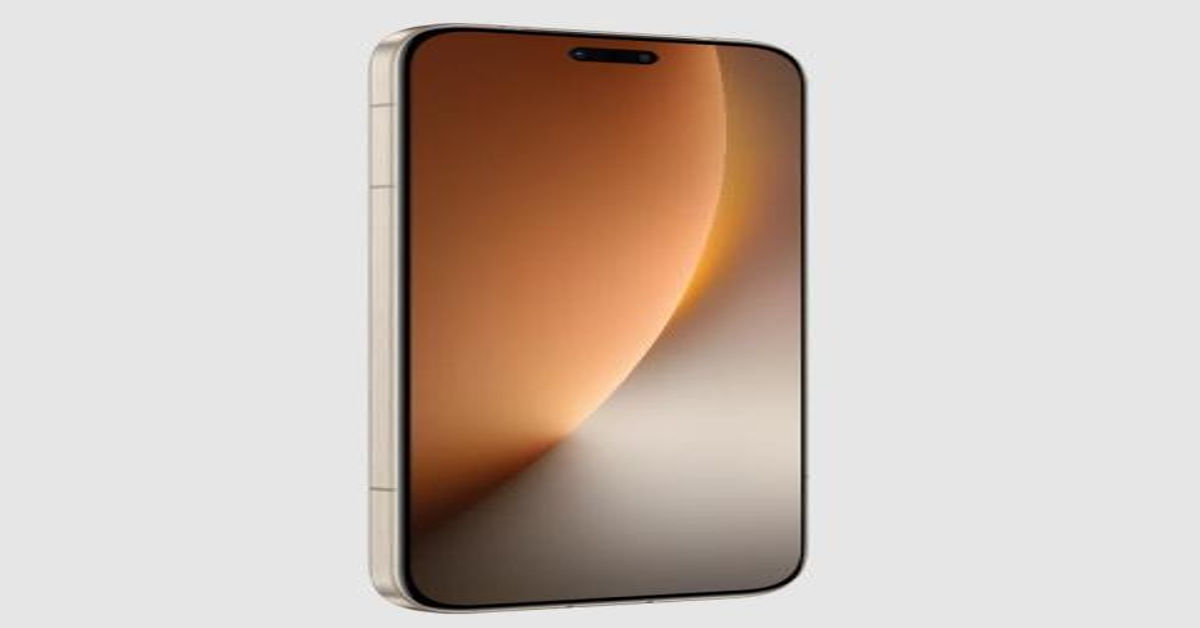
There is a clear shift when slowdowns move from being occasional annoyances to constant interruptions in daily life. If checking messages, opening navigation apps, or completing basic tasks consistently feels delayed, it suggests the phone has reached its practical limit. At this stage, cleaning storage or adjusting settings provides only temporary relief rather than lasting improvement. Many users begin exploring newer options not out of excitement, but because they want their phone to feel reliable again, and this is often when future-oriented models such as the HONOR Magic 8 Pro uk come into consideration as a way to avoid repeating the same limitations too soon. Recognizing this moment helps turn frustration into a confident, well-timed decision instead of an impulsive upgrade.

Conclusion
A slow phone is not a personal failure or poor maintenance, but a natural result of technology advancing over time. By understanding which problems can be solved and which ones are permanent, you can make calmer and smarter choices. Small fixes can extend usability, but clear warning signs should not be ignored when they start affecting daily life. Upgrading at the right moment restores comfort, security, and efficiency rather than simply adding something new. The best decision is the one that supports your everyday needs with confidence and peace of mind.